
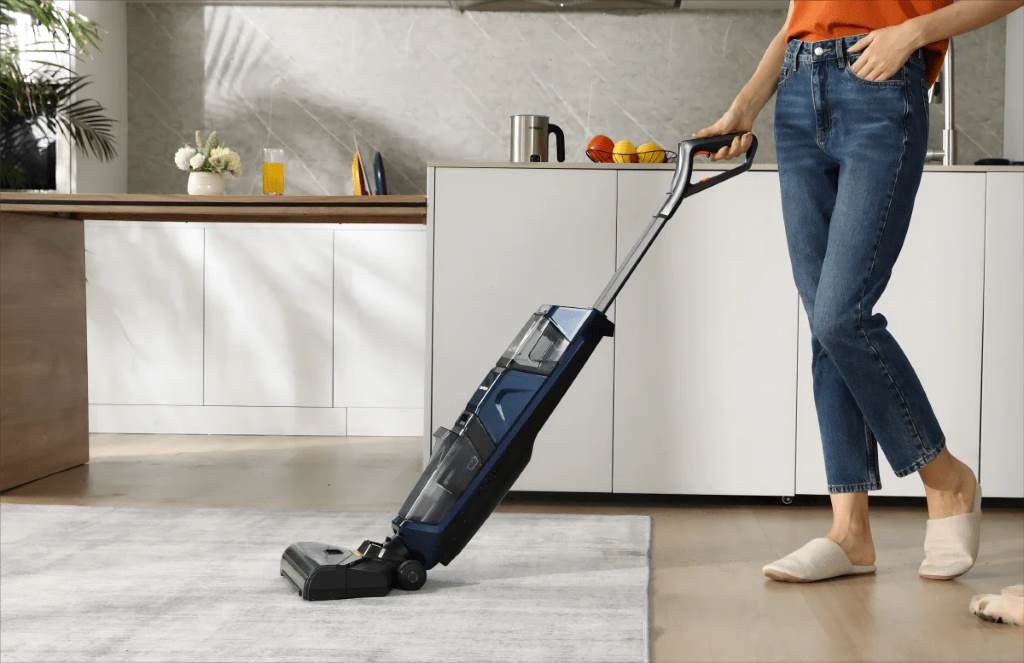
Stick vacuums have become an essential household tool. They’re lightweight, easy to use, and perfect for quick cleanups. However, even the best stick vacuums can lose suction power or battery life if neglected. Stick Vacuum Maintenance: How to Keep Yours Running Like New isn’t just about cleaning filters—it’s about preserving performance and saving money in the long run.
The Reality of Stick Vacuums: Convenience at a Cost
More than 63% of American households now own some form of cordless vacuum, according to Statista. Stick vacuums top that list due to their slim design and easy maneuverability. Yet, many users report a drop in suction after just 6–12 months. Why? Improper maintenance.
While manufacturers promise years of use, real-world performance often depends on regular upkeep. Skipping maintenance can shorten a vacuum’s lifespan by up to 50%, according to a study by Consumer Reports.
Clean the Dustbin Frequently—Yes, Every Time
Emptying the dustbin may seem obvious, but many skip it until it’s visibly full. That’s a mistake. A full dustbin restricts airflow, reducing suction and straining the motor. Most experts recommend emptying it after every use, even if it’s only partially full.
Over time, micro-particles collect inside the dustbin walls, affecting the sensor readings and airflow. Wiping it clean with a dry cloth or using a damp cloth monthly will extend its lifespan.

Filters: The Heart of Your Vacuum’s Health
Dirty filters are the leading cause of lost suction. Most stick vacuums feature a HEPA or foam filter system. Cleaning them every two weeks—and replacing them every 3–6 months—can drastically improve performance.
In tests by The Spruce, vacuums with clean filters picked up 45% more debris than those with clogged ones. To clean your filter:
- Tap out dust gently into a trash bin.
- Rinse foam filters under lukewarm water.
- Air dry completely for 24 hours before reinserting.
Avoid washing HEPA filters unless the manufacturer allows it. Discover How to Deep Clean Your Home Appliances.
Hair Wrap and Roller Brush Nightmares
Hair tangles around the brush roll not only reduce cleaning efficiency but can burn out the motor. If you have pets or long hair in the household, inspect the brush roll weekly.
Use scissors or a seam ripper to cut through tangled strands. A well-maintained roller brush picks up 30–50% more debris on carpeted surfaces, according to Good Housekeeping reviews.
Additionally, remove the brush roll once a month and wipe down the housing. Look for wear on the bristles—flattened or missing bristles may indicate it’s time for a replacement.
Battery Care: The Lifeline of Cordless Vacuums
Battery issues are another major complaint among users. Stick vacuums with lithium-ion batteries need specific care to last. Avoid draining the battery completely before recharging. Instead, plug it in when it hits around 20–30%.
Heat is a silent killer of battery life. Store your vacuum in a cool, dry place—not in direct sunlight or hot closets. Brands like Dyson and Shark recommend unplugging the charger once the battery is full to prevent overcharging stress.
In general, vacuum batteries last 2–5 years with proper care. If you notice declining runtime, consider replacing the battery rather than the entire unit.
Clean the Sensors and Air Paths
Sensors help smart stick vacuums adjust suction and detect dirt. However, dust buildup can confuse them, causing poor performance. Use a cotton swab dipped in rubbing alcohol to clean infrared sensors gently.

Additionally, clear out any obstructions in the air path or suction tube. Use a flexible brush or compressed air to reach inside tight spots. Reduced airflow is often mistaken for motor failure when it’s actually a simple blockage.
Know Your Vacuum’s Limits
Stick vacuums are fantastic for hard floors and light carpets but aren’t built for heavy debris like construction dust or wet spills. Using them for inappropriate tasks shortens their lifespan. Read your manual to understand cleaning modes and attachments.
For instance, using the wrong attachment on high-pile rugs can overheat the motor. Instead, switch to turbo mode only when necessary, and avoid prolonged use on thick carpeting.
Store It the Smart Way
Wall mounts are more than just convenient—they protect the vacuum from falling damage. Always store your vacuum upright, with accessories organized. This reduces wear on joints and hoses.
A wall-mounted station also promotes better charging habits, as it keeps the charger in optimal condition and prevents unnecessary unplugging and plugging.
Frequently Asked Questions (FAQs)
1. How often should I clean the filter?
Clean it every 2 weeks and replace it every 3–6 months for optimal performance.
2. Can I wash all filters with water?
Only if the manufacturer approves it. Foam filters can usually be washed, but HEPA filters may not be washable.
3. Why is my vacuum losing suction after a few months?
Clogged filters, full dustbins, or blocked air paths are common culprits. Perform regular checks.
4. How do I prevent hair from wrapping around the brush?
Clean the roller weekly. Use scissors or a seam ripper to remove hair tangles.
5. Is it okay to keep my stick vacuum on the charger?
Yes, but unplug it when fully charged if the manual recommends it to avoid battery stress.
6. What’s the average lifespan of a stick vacuum?
With proper maintenance, 5–7 years. Poor upkeep may reduce it to 2–3 years.
7. Can I use my stick vacuum on all floor types?
Check your model’s capabilities. Most are best on hard floors and low-pile carpets.
Final Thought: A Clean Machine Is a Lasting Machine
Proper maintenance doesn’t just enhance your vacuum’s performance—it saves money and avoids the frustration of replacing parts prematurely. Stick Vacuum Maintenance: How to Keep Yours Running Like New means committing to a simple, consistent care routine. With just 10 minutes of upkeep weekly, your vacuum will perform like the day you bought it.
Most issues stem from preventable causes. Regular filter cleaning, battery care, and removing blockages offer huge benefits. As a rule of thumb, treat your vacuum like any essential appliance—because that’s exactly what it is.